Accessibility audit — barriers and developer-ready fixes
Issue‑by‑Issue Analysis
I audited the page for barriers affecting blind, low-vision, deafblind, keyboard-only, mobility-impaired, and cognitively-limited users. The goal was to flag structural, semantic, and perceivability issues with developer-ready fixes. Found several: unlabeled decorative images, icon links with no accessible names, redundant image descriptions, a keyboard-trap carousel, form fields without labels, confusing heading order, and low contrast.
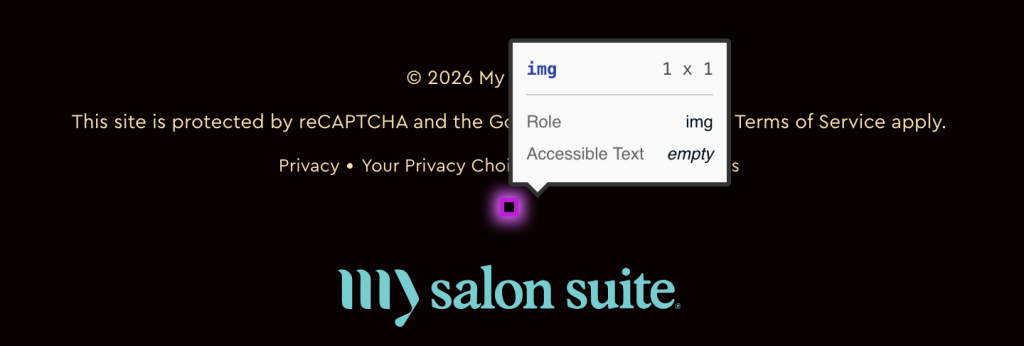
Images must have alternative text.
Ensure img elements have alternative text or a role of none or presentation.
I audited the page for barriers affecting blind, low-vision, deafblind, keyboard-only, mobility-impaired, and cognitively-limited users. The goal was to flag structural, semantic, and perceivability issues with developer-ready fixes. Found several: unlabeled decorative images, icon links with no accessible names, redundant image descriptions, a keyboard-trap carousel, form fields without labels, confusing heading order, and low contrast.
Ensure that all link names are accessible, and ensure all links can receive programmatic focus. link text cannot be hidden To ensure all links can receive JavaScript programmatic focus, and replace these with device-independent events. Do not modify the style of the links to suppress the change in style when a link is the object of programmatic focus.
Simple terms: Ensures that every link has an accessible name.
All fixable with standard fixes — empty decorative images, named icon links, proper labels, visible focus states, clean headings, and darker text.